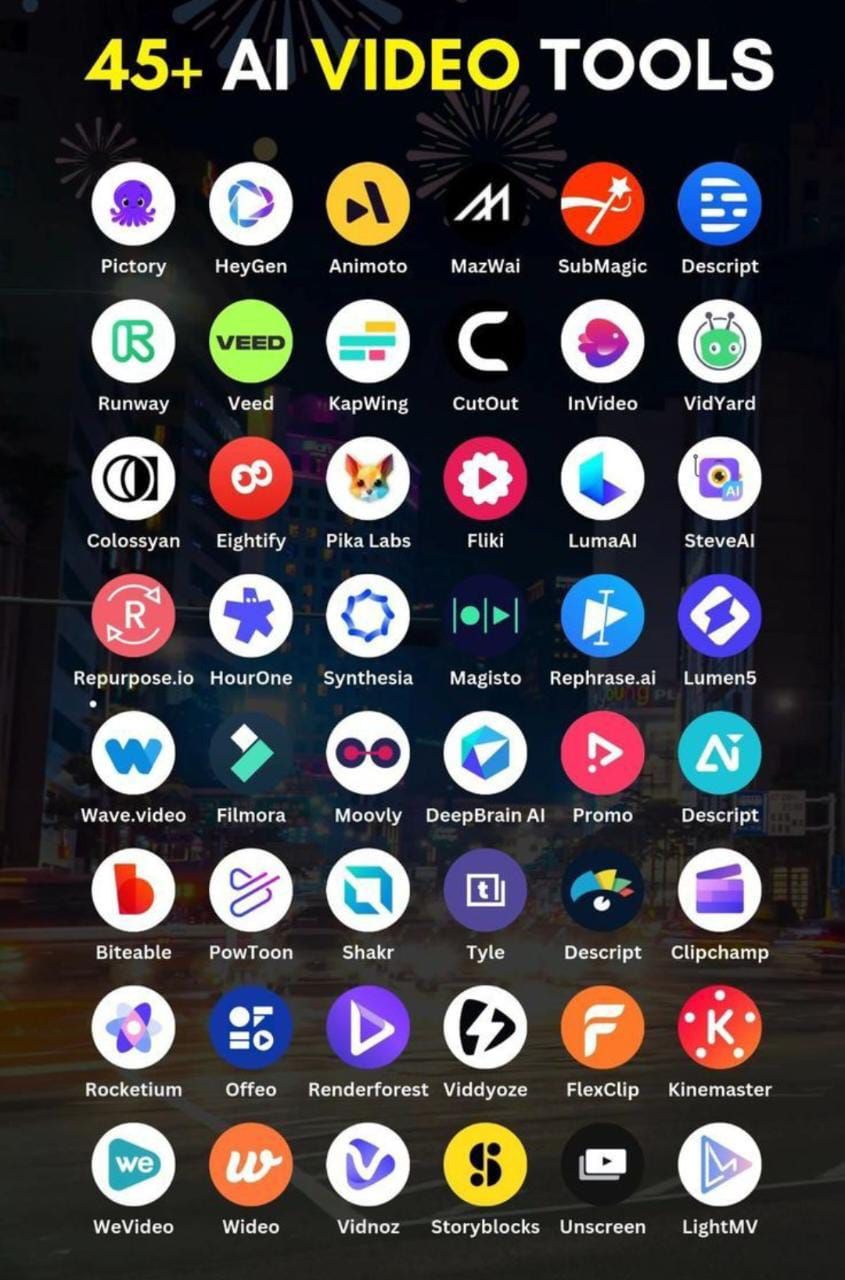




Why AI Matters in Modern Video Editing
Every day, creators face a mountain of raw footage, tight deadlines, and the pressure to keep up with audience expectations. Traditional editing workflows can turn a simple project into a week‑long slog. Top AI tools for video editing in 2024 promise to trim that slog down to hours, letting editors focus on storytelling instead of repetitive tasks.
Think of a library where each book whispers the exact line you need—no searching, no flipping. That is the feeling many users report when they first try an AI‑powered editor. The software listens, suggests, and even assembles clips, turning a chaotic collection into a coherent narrative.
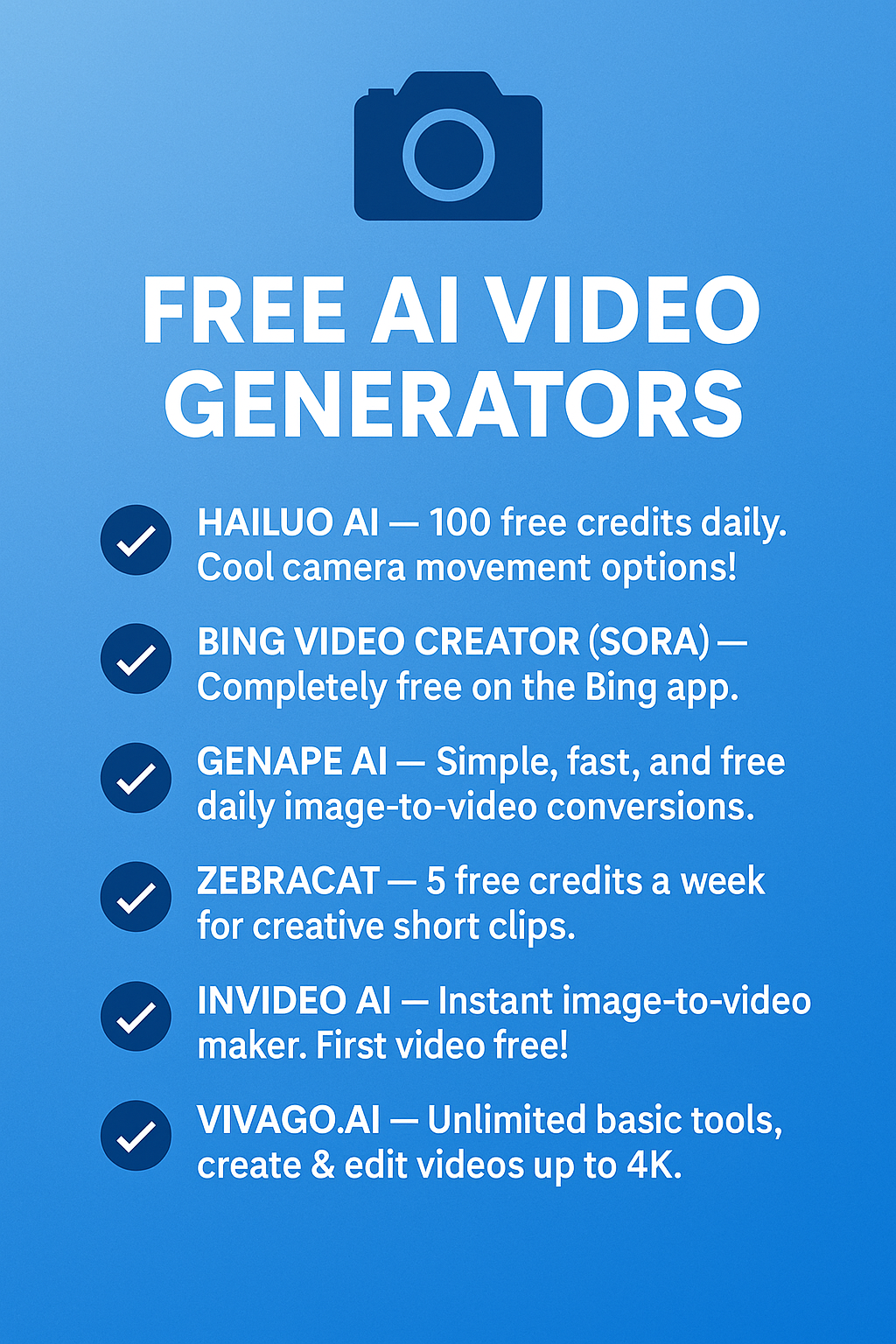
How We Chose the Tools
We looked at adoption rates, feature sets, pricing transparency, and real‑world feedback from creators who have used the software on projects released in 2024. Only tools that demonstrated measurable time savings or quality improvements made the list.
1. Runway Gen‑2
What the tool does
Runway’s Gen‑2 platform uses text‑to‑video generation and AI‑assisted editing to turn simple prompts into motion. It can also auto‑mask subjects, replace backgrounds, and generate smooth transitions.
Key features
- Text‑driven scene creation – type a description, get a video clip.
- AI masking that isolates people or objects without a green screen.
- One‑click style transfer for color grading.
- Collaboration workspace for teams.
Best for
Independent filmmakers and marketers who need quick visual assets without a full production crew.
Limitations
The generated footage can sometimes look synthetic when the prompt is too vague. High‑resolution exports require a paid tier, and the learning curve for the text‑prompt syntax may take a few sessions to master.
2. Adobe Premiere Pro with Sensei
What the tool does
Adobe has integrated its Sensei AI across Premiere Pro, automating tasks like scene detection, audio clean‑up, and auto‑reframe for different aspect ratios.
Key features
- Auto‑reframe that repurposes a 16:9 edit for TikTok, Instagram, and YouTube Shorts.
- Speech‑to‑text transcription that creates searchable captions.
- Color match that balances footage shot on different cameras.
- Smart cut that removes silent gaps and filler shots.
Best for
Professional editors already invested in the Adobe ecosystem who want AI to handle the grunt work while keeping full manual control.
Limitations
AI features are tied to an active Creative Cloud subscription, and the interface can feel cluttered for newcomers.
3. Pictory
What the tool does
Pictory turns long‑form video or text into short, shareable clips. It extracts key moments, adds subtitles, and suggests thumbnail images.
Key features
- Automatic summarization of webinars, podcasts, and YouTube videos.
- Subtitle generation in over 30 languages.
- Template‑based branding for quick export.
- Cloud‑based processing – no heavy local hardware needed.
Best for
Content marketers who need to repurpose existing video assets into bite‑size social posts.
Limitations
Because it relies on cloud processing, large projects can take longer during peak usage. The AI may miss nuanced moments that a human editor would keep.
4. Wisecut
What the tool does
Wisecut focuses on cutting out pauses, filler words, and background noise, creating a tighter final cut with minimal input.
Key features
- Automatic detection of silence and filler (“um”, “uh”).
- Background music that adapts to the pacing of the edit.
- Simple drag‑and‑drop interface.
- Export options for YouTube, Instagram, and LinkedIn.
Best for
Vloggers and educators who record talking‑head videos and want a fast polish without learning complex software.
Limitations
Fine‑tuning the AI’s sensitivity requires a few trial runs. The tool does not support multi‑camera projects.
5. Descript Overdub & Video
What the tool does
Descript combines transcription, AI voice cloning (Overdub), and video editing in a single timeline. Users edit video by editing text.
Key features
- Text‑based editing – cut, move, or replace sections by editing the transcript.
- Overdub lets you replace spoken words with a synthetic voice that matches your own.
- Screen recording and podcast publishing built in.
- Collaboration comments that appear directly on the timeline.
Best for
Podcasters and educators who produce video tutorials and need quick fixes to spoken errors.
Limitations
Audio quality of Overdub is improving but still sounds slightly robotic in fast‑paced speech. Large video files may require a higher‑tier plan.
6. Kapwing AI Studio
What the tool does
Kapwing offers a suite of AI tools that handle subtitling, background removal, and automatic meme generation, all within a browser‑based editor.
Key features
- One‑click background eraser for green‑screen‑free shots.
- Auto‑subtitle generation with editable timing.
- AI‑driven meme templates that adapt to your footage.
- Free tier with watermark; paid plans remove it.
Best for
Social media creators who need a quick, web‑based solution without installing heavy software.
Limitations
Performance depends on internet speed, and the free version adds a watermark to every export.
7. DaVinci Resolve Studio 19 (Neural Engine)
What the tool does
Blackmagic’s DaVinci Resolve now includes a Neural Engine that powers facial recognition, smart reframing, and AI‑assisted color grading.
Key features
- Face‑based tracking for applying effects to moving subjects.
- Smart reframing that keeps the subject centered across multiple aspect ratios.
- Auto color‑matching across clips shot with different cameras.
- Free version includes many AI features; Studio adds advanced tools.
Best for
Film editors and colorists who need high‑end capabilities but want AI to speed up repetitive tasks.
Limitations
The AI modules can be GPU‑intensive; older machines may struggle. Some features are locked behind the paid Studio version.
How AI Improves the Editing Workflow
Across the tools listed, a few common patterns emerge:
- Time savings: Automatic masking, transcription, and scene detection cut manual labor by 30‑50 % on average.
- Consistency: AI color matching and auto‑reframe keep visual style uniform across platforms.
- Accessibility: Cloud‑based editors lower the hardware barrier, letting creators work from a laptop or tablet.
These benefits are especially noticeable when a project involves multiple short clips for social media, where each version needs a different aspect ratio and caption set.
Choosing the Right Tool for Your Needs
Not every AI editor fits every workflow. Below is a quick decision matrix to help you match a tool to a typical use case.
| Use Case | Best Tool | Why |
|---|---|---|
| Quick social clips from long webinars | Pictory | Automatic summarization and subtitle generation. |
| High‑end film color grading | DaVinci Resolve Studio | Neural Engine offers precise face tracking and color matching. |
| Text‑driven video creation | Runway Gen‑2 | Generates footage from simple prompts. |
| Talking‑head videos with occasional slip‑ups | Descript | Text‑based editing and Overdub fix spoken errors. |
| Multi‑platform marketing assets | Adobe Premiere Pro | Auto‑reframe and integrated branding tools. |
| Browser‑only, no install | Kapwing AI Studio | All features run in the browser. |
| Fast, automated cuts for vlogs | Wisecut | Removes silence and filler automatically. |
Future Trends to Watch
While the tools above dominate 2024, the next wave will likely focus on:
- Real‑time AI assistance during live streaming.
- More accurate text‑to‑video models that can generate realistic motion.
- Deeper integration with AR/VR pipelines.
Staying aware of these trends helps you plan upgrades before your current tool becomes outdated.
Frequently Asked Questions
Do AI video editors replace human editors?
No. They handle repetitive tasks, leaving creative decisions to the human. Think of AI as a silent assistant that organizes the library for you.
Can I use AI tools on a low‑budget setup?
Many cloud‑based options like Pictory and Kapwing have free tiers. For offline work, DaVinci Resolve’s free version includes a solid set of AI features.
How secure is my footage when I upload it to an AI service?
Reputable services encrypt data in transit and delete files after processing. Always read the privacy policy and consider a local solution if confidentiality is critical.
Is there a steep learning curve?
Each tool varies. Simple web editors require minutes, while Premiere Pro or Resolve may need a few days of practice. Most platforms offer tutorial libraries to speed up onboarding.
Conclusion: Picking the Right AI Companion for 2024
When you look at Top AI tools for video editing in 2024, the choice boils down to the type of content you produce and the level of control you need. If you need rapid social clips, Pictory or Wisecut will shave hours off your schedule. For high‑end film work, DaVinci Resolve’s Neural Engine offers the precision you expect. And if you already live in the Adobe ecosystem, the Sensei upgrades in Premiere Pro give you a familiar interface with AI shortcuts.
In short, match the tool to the task, test a free tier where possible, and let the AI handle the grunt work. That way you spend more time shaping stories and less time hunting for the right cut.